Local-First Web Apps: Why They're Making a Comeback (and How to Build One)
Table of Contents
If the last decade of web development was all about the cloud, the next wave is quietly bringing something back into focus: local-first applications.
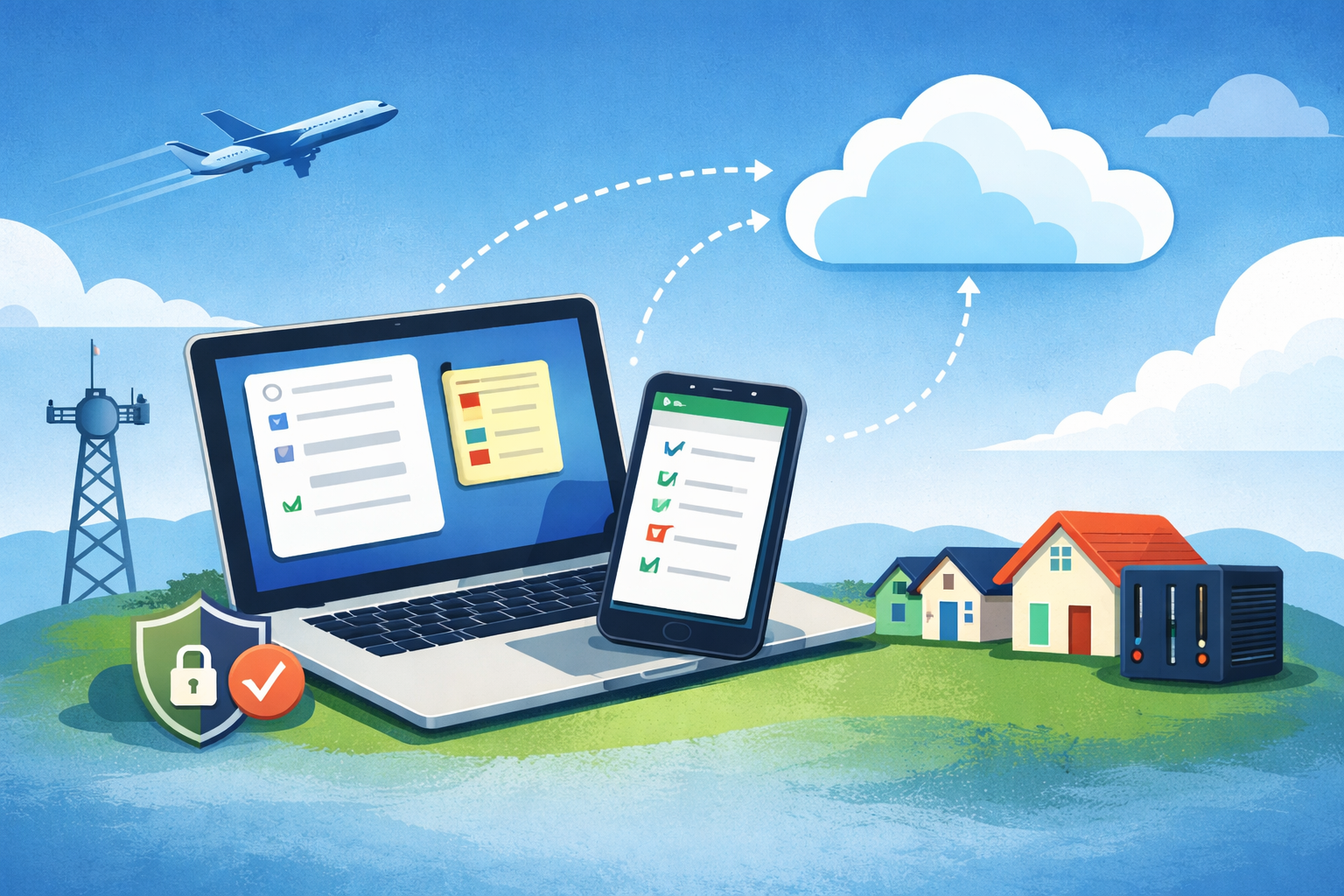
Local-first does not mean “no cloud.” It means your app works great even when the cloud does not.
This week, let’s explore what local-first apps are, why they matter now, and how you can start building one.
What is a local-first app?
A local-first app prioritizes the user’s device as the primary source of truth.
Key characteristics:
- Works offline by default
- Stores data locally (browser, device, or local server)
- Syncs to the cloud when available
- Fast, low-latency user experience
- User owns their data first, cloud is secondary
Examples you already use:
- Notes apps that work on airplanes
- Password managers
- Modern todo apps that sync later
Why local-first is becoming important again
1) Reliability beats availability
Cloud services go down. Internet connections drop. Latency hurts UX.
Local-first apps keep working regardless. If your app breaks without Wi-Fi, users notice.
2) Privacy and data ownership
Users are more conscious of:
- Where their data lives
- Who can access it
- What happens if a service shuts down
Local-first models:
- Reduce centralized data risk
- Allow users to retain control
- Simplify compliance concerns in some cases
3) Performance is instant
No round-trips. No cold starts. No waiting on APIs.
Local reads and writes are milliseconds, not hundreds of ms. That “snappy” feel users love? That is often local-first design.
4) Edge and hybrid architectures are normal now
With:
- Edge runtimes
- Progressive Web Apps (PWAs)
- Lightweight local servers
- Smart sync strategies
Local-first is no longer complex or exotic. It is practical.
Local-first is not anti-cloud
Local-first apps still use the cloud for:
- Backup
- Cross-device sync
- Sharing
- Authentication
- Observability
The difference is who comes first.
| Traditional cloud app | Local-first app |
|---|---|
| Cloud is primary | Device is primary |
| Offline = broken | Offline = normal |
| Latency is expected | Latency is minimized |
Architecture patterns that work well
1) Browser-based local-first
Great for web apps.
Tools:
- IndexedDB
- LocalStorage (small data)
- Service Workers
- PWA caching strategies
Use cases:
- Notes
- Forms
- Dashboards
- Personal tools
2) Local server plus web UI
Perfect for home-lab and internal tools.
Example:
- Small backend running on a VM, Pi, or NAS
- Web UI connects locally
- Optional cloud sync
This pattern is underrated for:
- Network monitoring
- Media tools
- Smart home dashboards
- Internal admin tools
3) Sync-later cloud models
Common approach:
- Write locally
- Queue changes
- Sync in background
- Resolve conflicts if needed
Tools and concepts:
- Change logs
- Timestamps
- Last-write-wins (simple)
- CRDTs (advanced)
When you should not use local-first
Local-first is not a silver bullet. Avoid it when:
- Real-time collaboration is core (chat apps, trading)
- Regulatory requirements mandate centralized storage
- Data consistency is more important than availability
Why developers should care
From a developer’s perspective, local-first apps:
- Reduce backend load
- Lower cloud costs
- Improve perceived performance
- Increase resilience
- Make demos impressive (offline works)
And honestly? They are just fun to build.
Final thoughts
After years of “cloud-everything,” we are rediscovering a simple truth: the best user experience often starts locally.
Local-first is not about abandoning the cloud. It is about using it more intelligently.
If you are building your next side project, internal tool, or MVP, try starting local. Your users (and your AWS bill) might thank you.